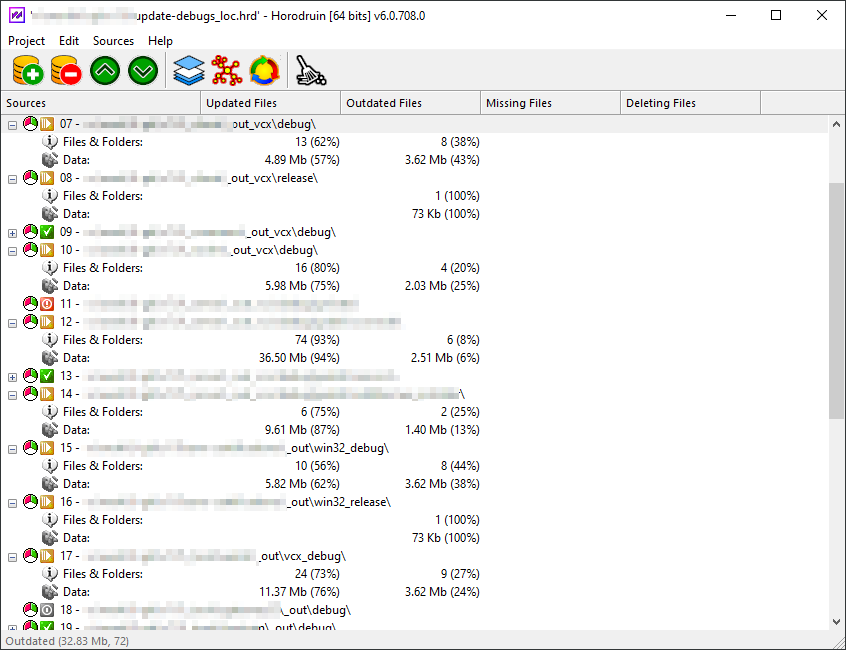
Frequently I am in need to update a folder taking files from many different folders (and finally updating them too).
I looked on the web but I didn’t find anything that could easily do this dirty work. So I wrote this small program.
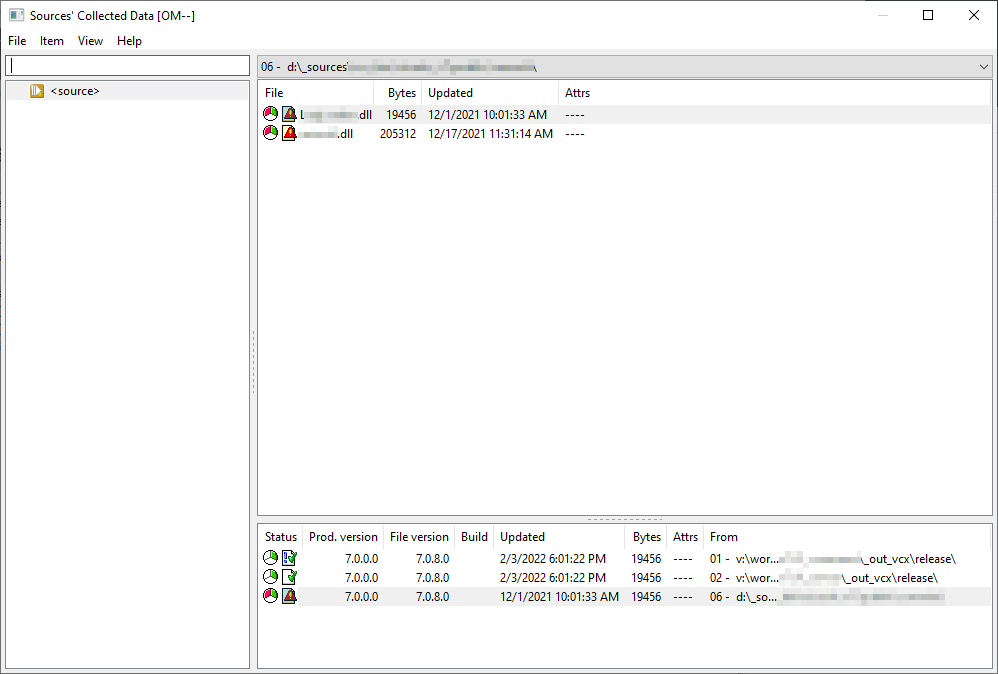
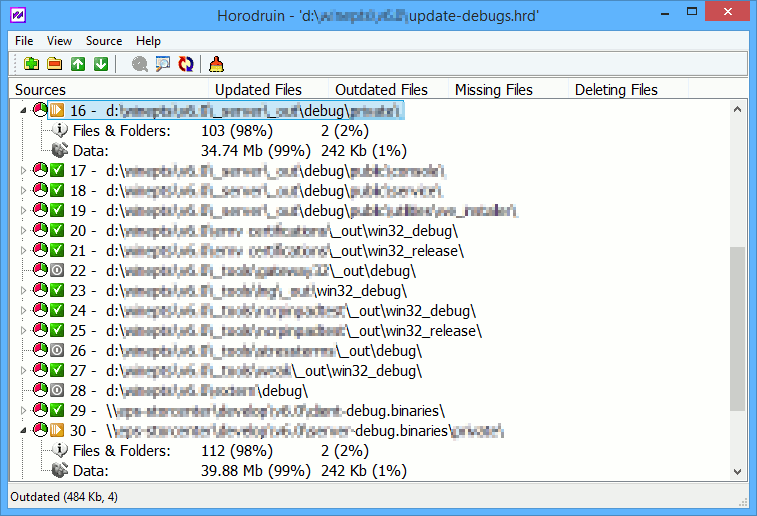
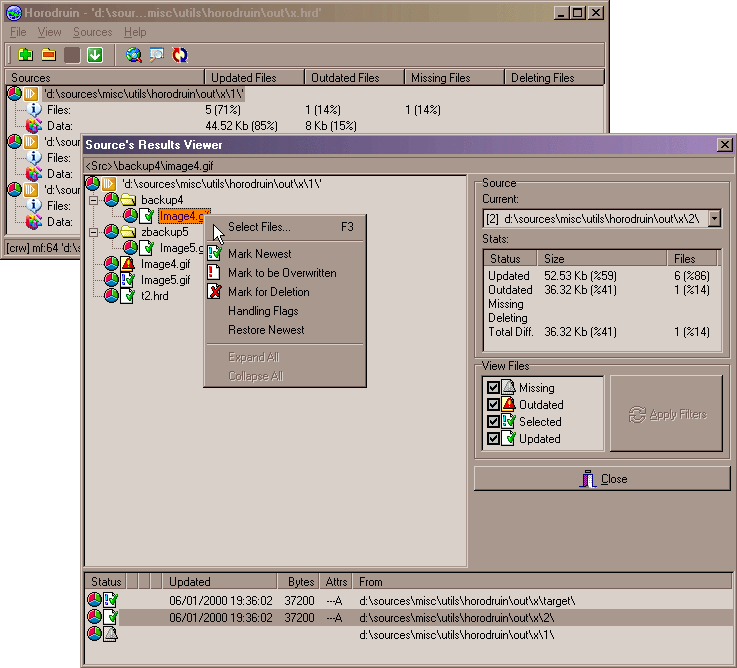
It is a file synchronizer with unique features like handling more than 2 folders with just a few clicks. It’s very simple, but I strongly recommend reading the included documentation.
It has the following key features:
- multiple folder handling (2 or more).
- the folder analysis can be tuned to your needs.
- the ability to save and load your settings in project files.
- the ability to save in a separate folder the source changes (Export Delta).
- multi-threaded.
- optimal file multi-threaded copy engine (by using temporary files and/or by overwriting files).
- configurable. You can easily integrate it with a text editor, a hex editor, and a diff viewer.
- minimal registry usage (only for Explorer integration).
- small, fast, and clean.
- HTML Help included.
- for advanced users only!!!
The program is freeware and it is licensed under a Creative Commons Attribution-NoDerivs 4.0 Unported License. 
If you are curious and want to see if this program may fit your needs, get a look at this small quick tour.
Minimal requirements:
Intel/AMD processor, Windows 10
Downloads
| v2026.07.841.0 – 64 bits updated 19/07/2026 – Version History |
Download from: (1.98 MB) this site: or: |
(for older packages, try here)
Screenshots:
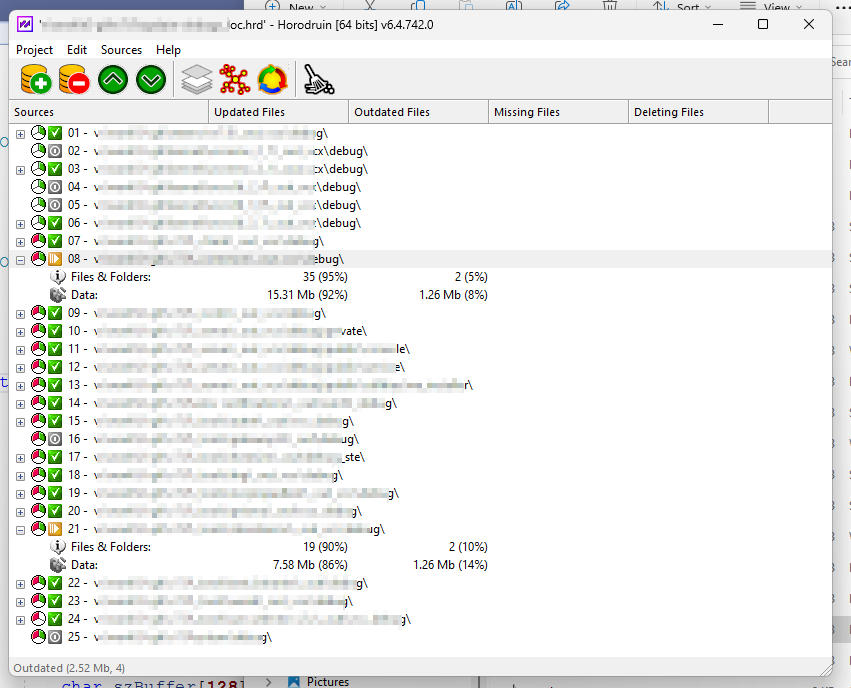 Horodruin v6.04 main window on Windows 11